
Fire TV and Android TV player
Live TV, movies and shows, finally beautiful.
NOOON is a cinematic player for your Xtream subscription on Fire TV and Android TV. Free for 7 days.

Built forthe remote.
Every screen is designed for a TV and a D-pad: big type, clear focus and nothing in the way.
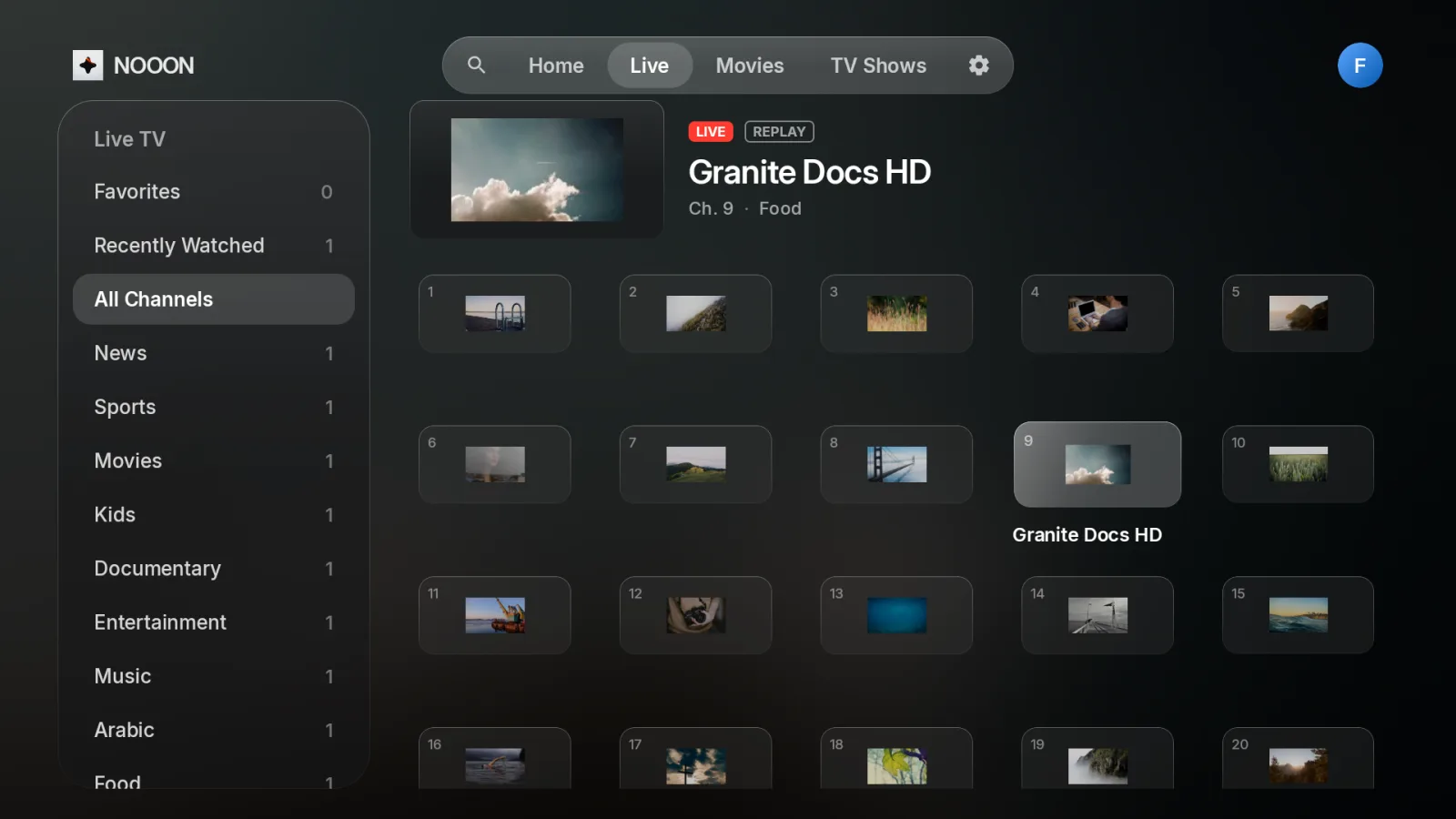
Live TV
Browse by category with a live preview of the channel you're on, and replay where your provider offers it.
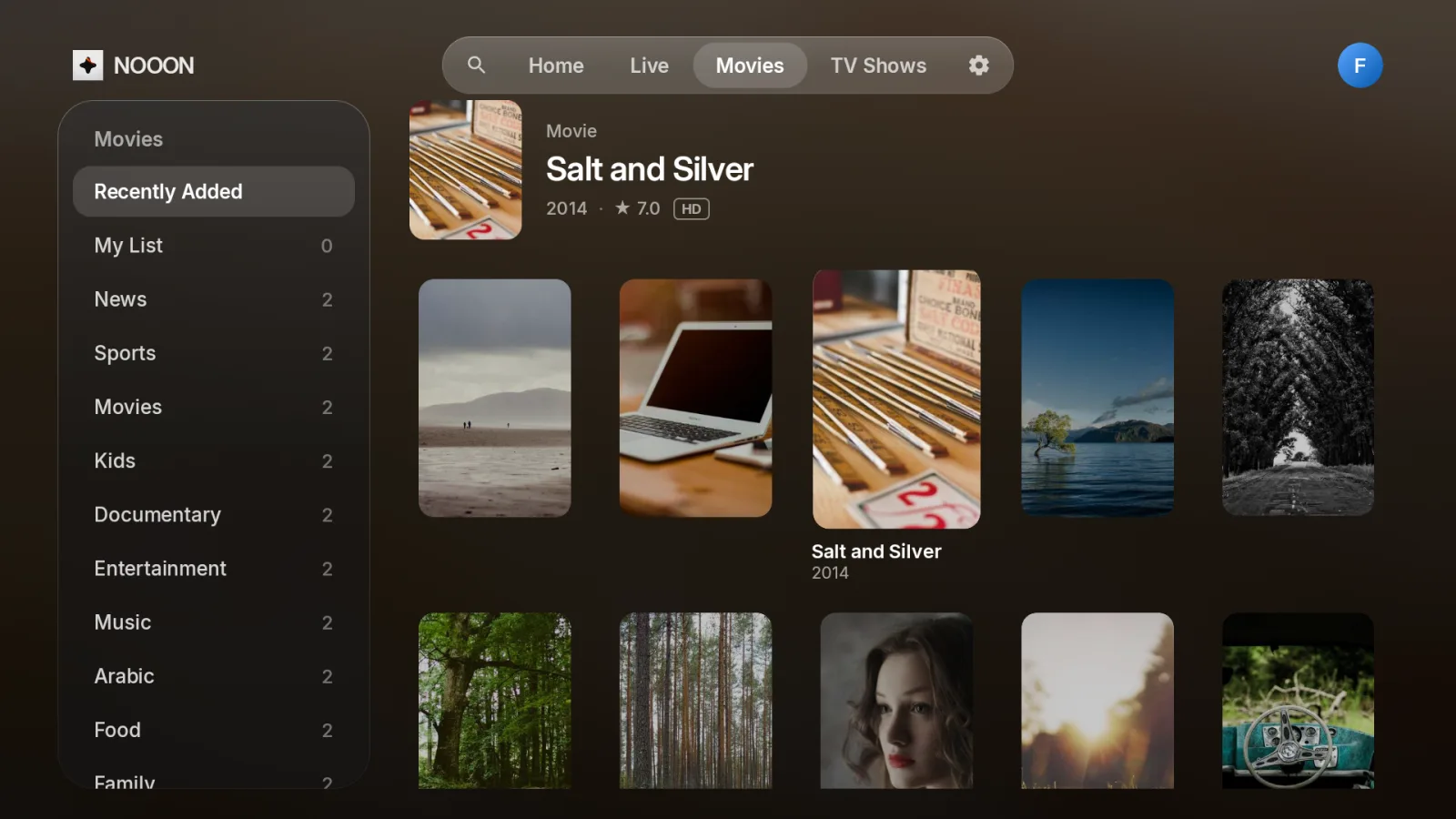
Movies and shows
Your whole library with posters, ratings and My List.
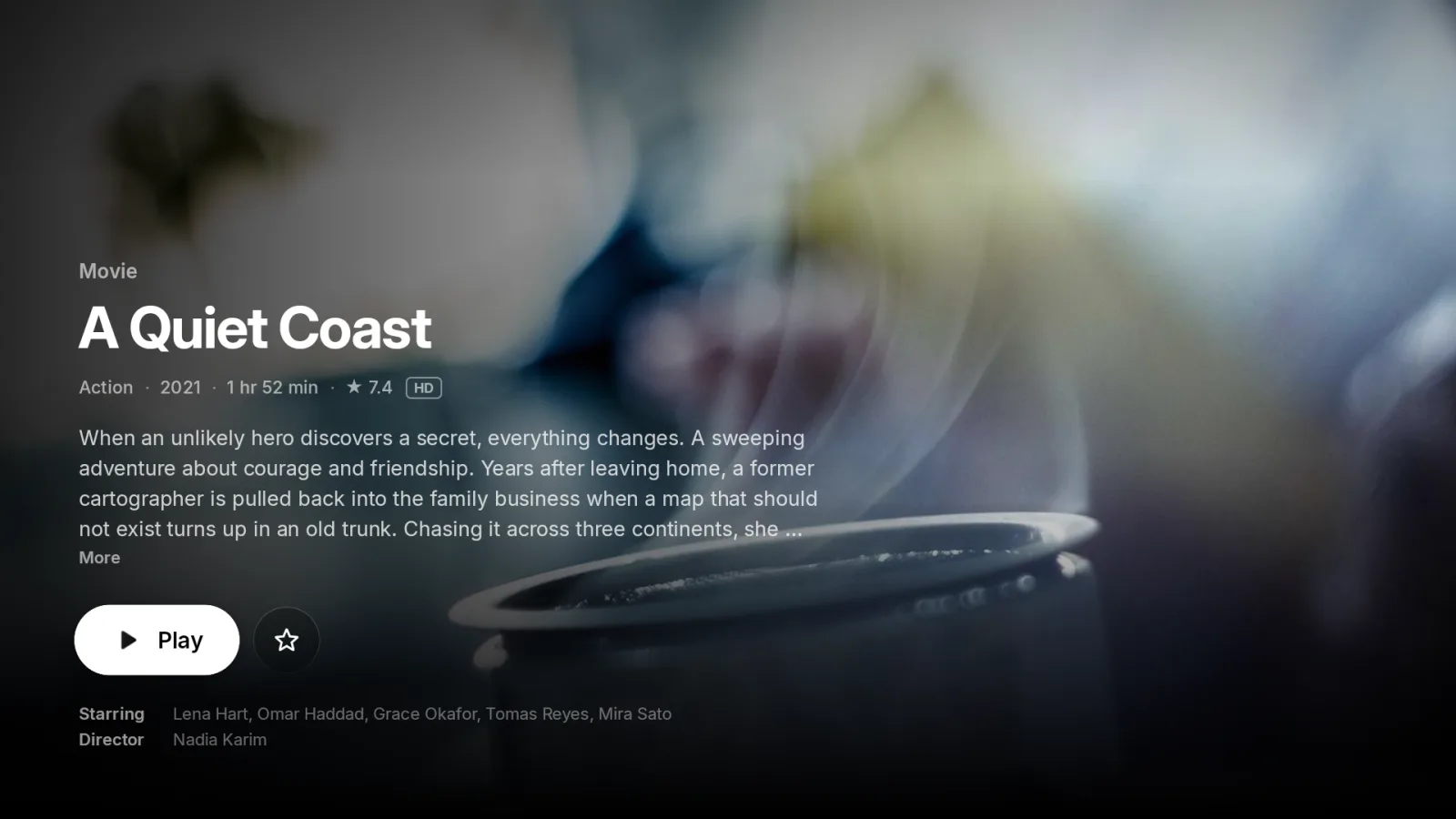
Detail pages
Plot, cast and one-press play, with Continue Watching for every profile.
The detailsthat matter.
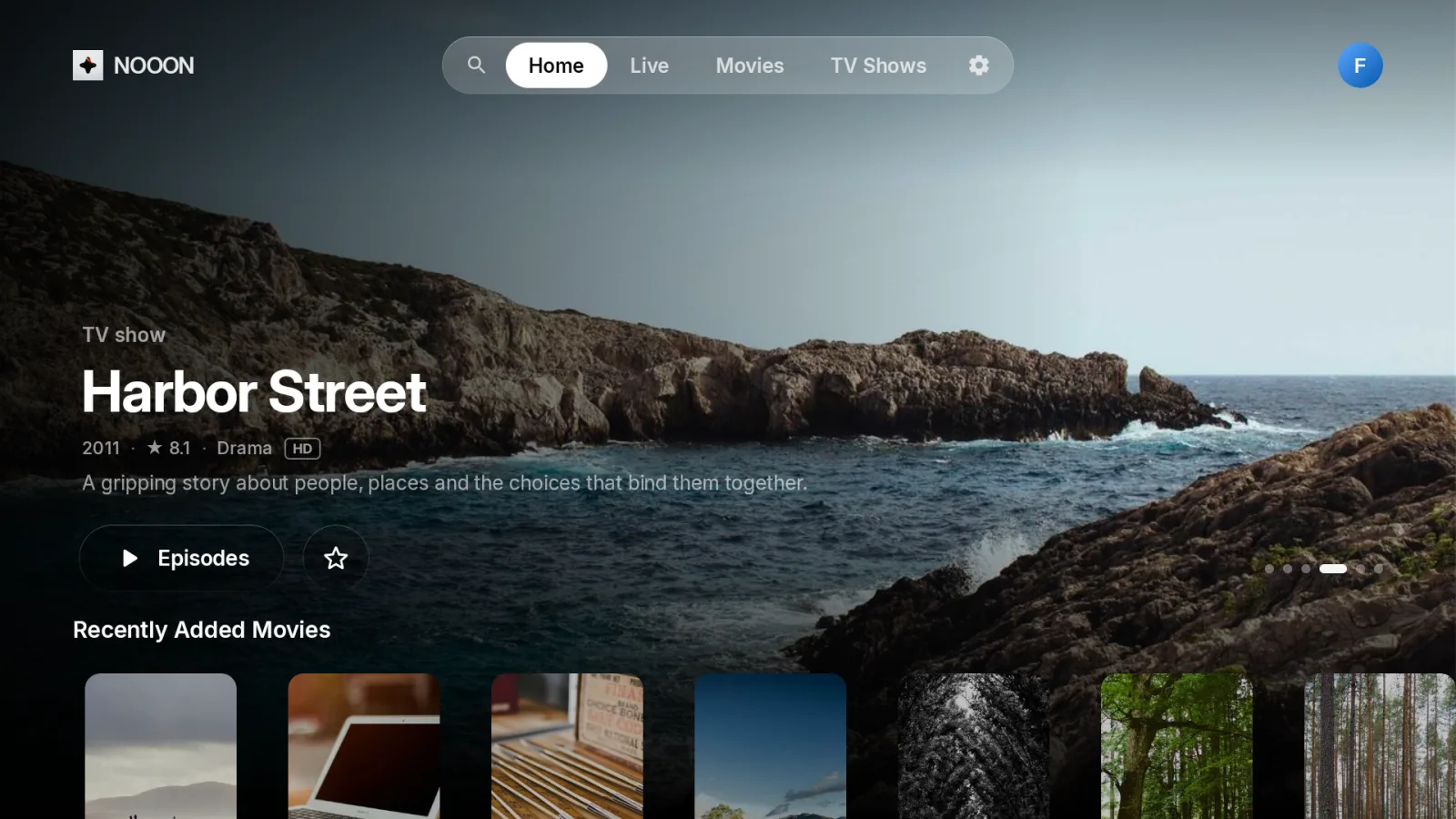
Profiles
Separate favourites, history and hidden categories for everyone at home.
Phone sign-in
Scan a QR code and type your login on your phone instead of the remote.
English and Arabic search
Find anything fast with an on-screen keyboard in both languages.
Audio and subtitles
Switch tracks during playback whenever the stream includes them.
Catch-up
Watch recent programmes again on channels where your provider supports it.
Updates built in
New versions install from inside the app, so you never reinstall.
Install inabout a minute.
Downloader code
1833075
Get Downloader
Install the free Downloader app from the Amazon Appstore on your Fire TV.
Enter the code
Type 1833075, then allow Downloader to install apps when your TV asks.
Sign in
Add your provider's server, username and password, or scan the QR code with your phone.
On Android TV, Downloader is on Google Play. You can also enter nooon.pro/get instead of the code.
Try it free.Keep it for life.
Use every feature for 7 days. If you love it, unlock NOOON with one payment.
NOOON is a player only. It doesn't include channels, movies or shows, and we don't sell subscriptions. You need a service from your own provider.
Free for 7 days, then a single payment. No subscription.
- Works on up to 3 TVs
- Every future update included
- Unlocks on your TV the moment you pay
Questions
Does NOOON include channels?
No. NOOON plays the service you already have from your provider, using its Xtream Codes login. We don't sell or provide any content.
Which devices does it work on?
Fire TV Stick, Fire TV Cube and Android TV devices running Android 7.1 or later. It's built and tested on the Fire TV Stick 4K.
What happens after the free trial?
NOOON asks you to unlock it. Scan the code on your TV, pay on your phone, and the TV unlocks by itself. You can also type in a license key.
Can I use one license on more than one TV?
Yes, on up to 3 TVs. Enter the same license key on each one. If you replace a TV, email us and we'll free up a slot.
Can I get a refund?
Yes, within 14 days of purchase. See the refund policy.
Where is my login stored?
Only on your TV. Your provider's server, username and password never reach our servers. Read the privacy policy.
Still stuck? Email help@nooon.pro and we'll get back to you.